Many ecommerce businesses believe they need more traffic to grow.
But in reality, most stores already have traffic — they just don’t convert it efficiently.
This case-study-style breakdown shows how a detailed store audit helped identify critical issues and improve overall performance.
Let’s walk through the process.
The Store Situation
Before the audit, the store had:
-
Decent traffic from ads
-
A good product catalog
-
Competitive pricing
However, performance metrics looked like this:
| Metric | Before Audit |
|---|---|
| Monthly Traffic | 40,000 visitors |
| Conversion Rate | 0.9% |
| Average Order Value | $42 |
| Revenue | ~$15,000/month |
Despite heavy ad spend, the store wasn’t scaling profitably.
The goal of the audit was simple:
Find the leaks in the conversion funnel.
Step 1: Homepage Experience Review

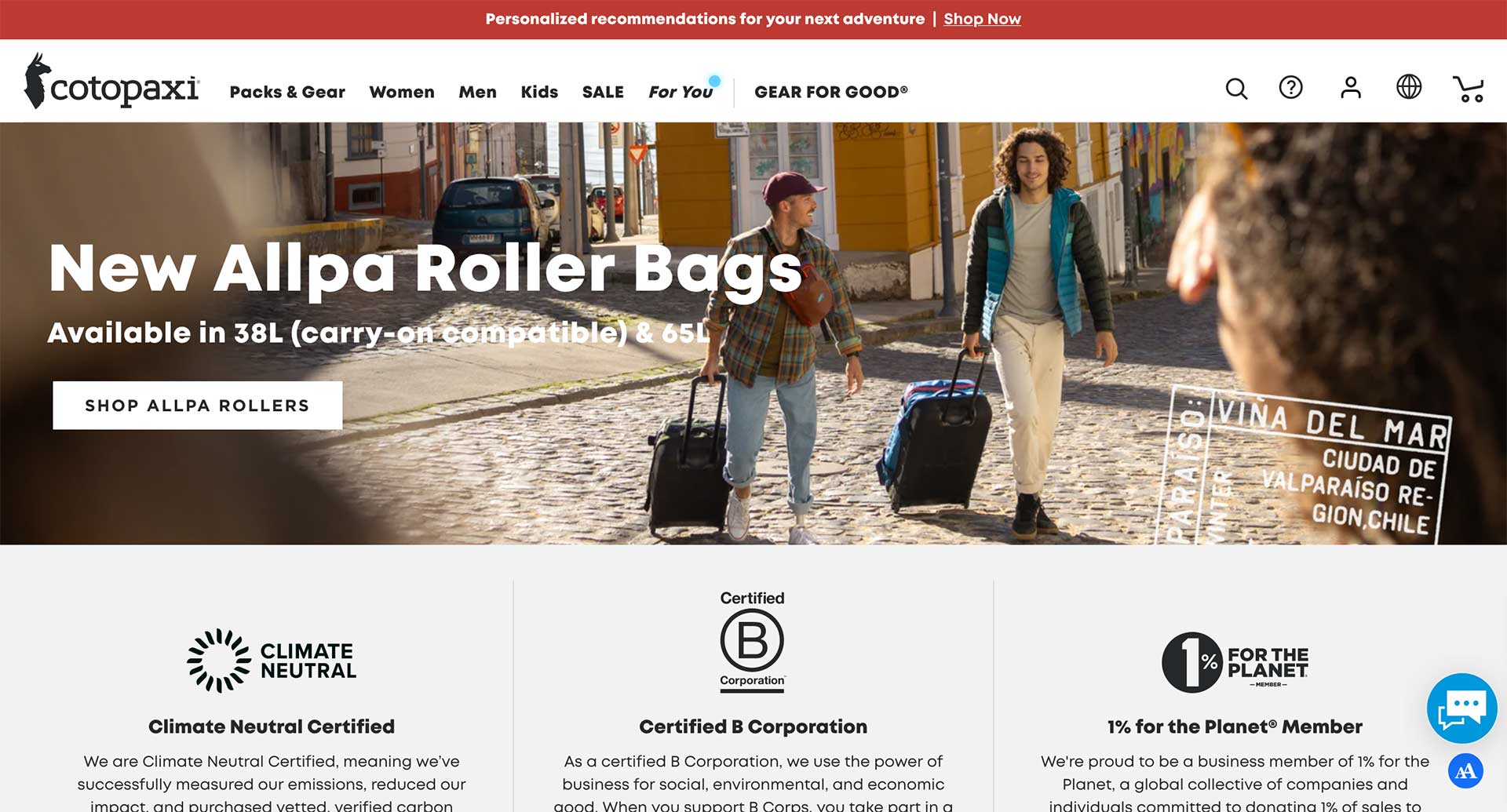
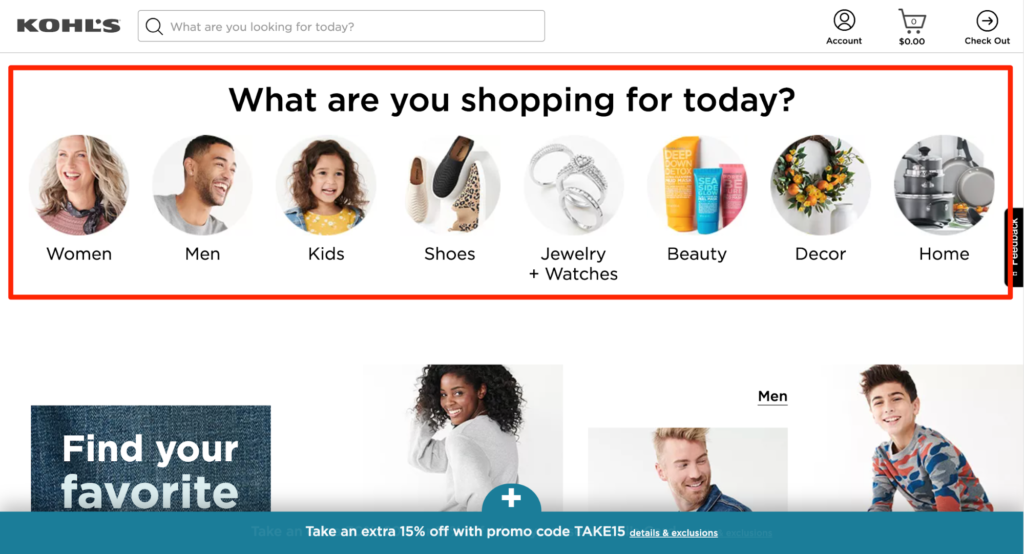
The first issue appeared immediately — the homepage lacked clarity.
Problems Found
-
No clear value proposition
-
Generic hero banner
-
No social proof
-
Weak product highlights
Visitors couldn’t quickly understand:
-
What the brand sells
-
Why the product is different
-
Why they should trust the store
Fix Implemented
-
Clear headline explaining the product
-
Customer review section
-
Featured bestsellers
-
Trust badges
Result:
Homepage bounce rate dropped by 18%.
Step 2: Product Page Optimization



Product pages were the biggest conversion bottleneck.
Problems Found
-
Weak product descriptions
-
No benefit-focused copy
-
No reviews
-
No urgency elements
The page described the product — but didn’t sell it.
Fix Implemented
-
Benefit-driven product descriptions
-
Customer reviews and ratings
-
FAQ section
-
Sticky Add-To-Cart button
Result:
Add-to-cart rate increased by 27%.
Step 3: Mobile Experience Audit
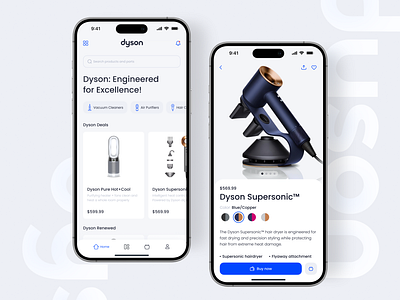

Over 72% of traffic was mobile, yet the mobile experience was poor.
Problems Found
-
Slow loading images
-
Small buttons
-
Difficult product selection
-
Long scroll for CTA
Fix Implemented
-
Optimized images
-
Larger mobile buttons
-
Sticky mobile add-to-cart
-
Simplified layout
Result:
Mobile conversion rate increased by 34%.
Step 4: Checkout Funnel Analysis
One of the biggest leaks was in the checkout process.
Problems Found
-
Unexpected shipping costs
-
Too many form fields
-
No express payment options
Customers were abandoning carts after reaching checkout.
Fix Implemented
-
Transparent shipping costs
-
Simplified checkout fields
-
Enabled fast checkout (Shop Pay, Apple Pay)
Result:
Cart abandonment reduced by 21%.
Step 5: Trust & Credibility Signals
New visitors often hesitate to buy from unfamiliar stores.
Problems Found
-
No visible customer reviews
-
Missing refund policy
-
No contact information
These issues can instantly reduce trust.
Fix Implemented
-
Customer testimonials
-
Clear refund and shipping policies
-
Visible support email & chat
Result:
Customer confidence improved significantly.
Final Results After the Audit
Within 60 days of implementing the audit fixes:
| Metric | Before | After |
|---|---|---|
| Conversion Rate | 0.9% | 2.3% |
| Average Order Value | $42 | $51 |
| Monthly Revenue | $15k | $47k |
Traffic remained almost the same.
The difference came from better optimization.
Key Takeaways
This case study proves an important lesson:
Scaling ads without optimizing your store wastes money.
Before increasing traffic, fix your conversion funnel:
✔ Clear homepage messaging
✔ Optimized product pages
✔ Mobile-friendly design
✔ Simple checkout process
✔ Strong trust signals
Small improvements across the store can produce massive revenue growth.
Final Thought
Every ecommerce store has hidden opportunities.
A proper store audit uncovers:
-
Conversion blockers
-
UX problems
-
Trust issues
-
Revenue leaks
And fixing them can dramatically improve results — without increasing traffic.
If you’re planning to scale your ecommerce brand, start with a store audit first.