Before You Scale Ads: Fix These 12 Store Issues First
Scaling ads sounds exciting. More traffic. More orders. More revenue.
But here’s the hard truth: ads don’t fix broken stores — they expose them.
Before you increase your Facebook, Google, or TikTok ad budget, make sure your ecommerce store is fully optimized. Otherwise, you’re simply paying to amplify leaks in your funnel.
Here are 12 critical store issues you must fix before scaling ads.
1. Slow Page Speed
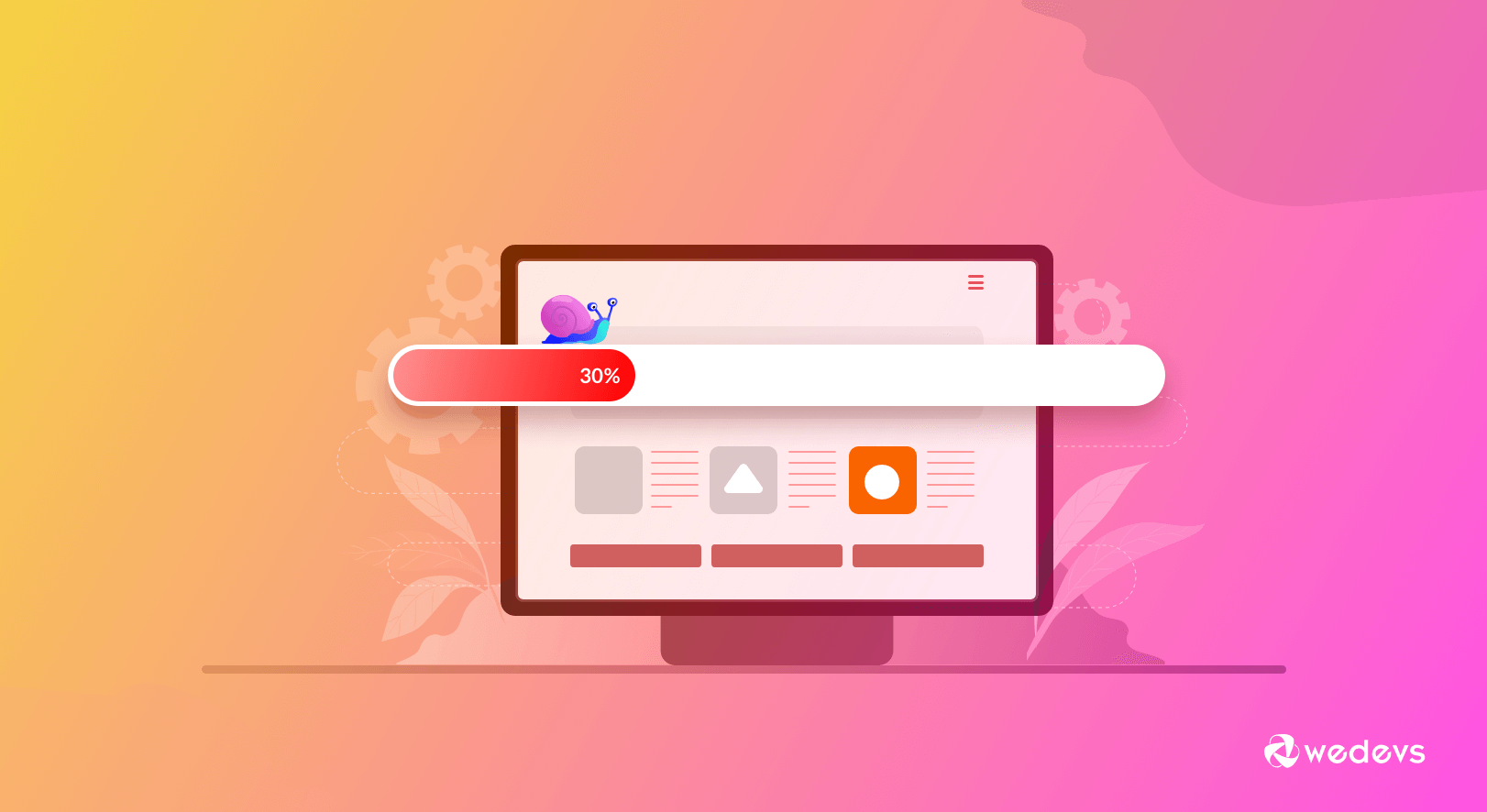
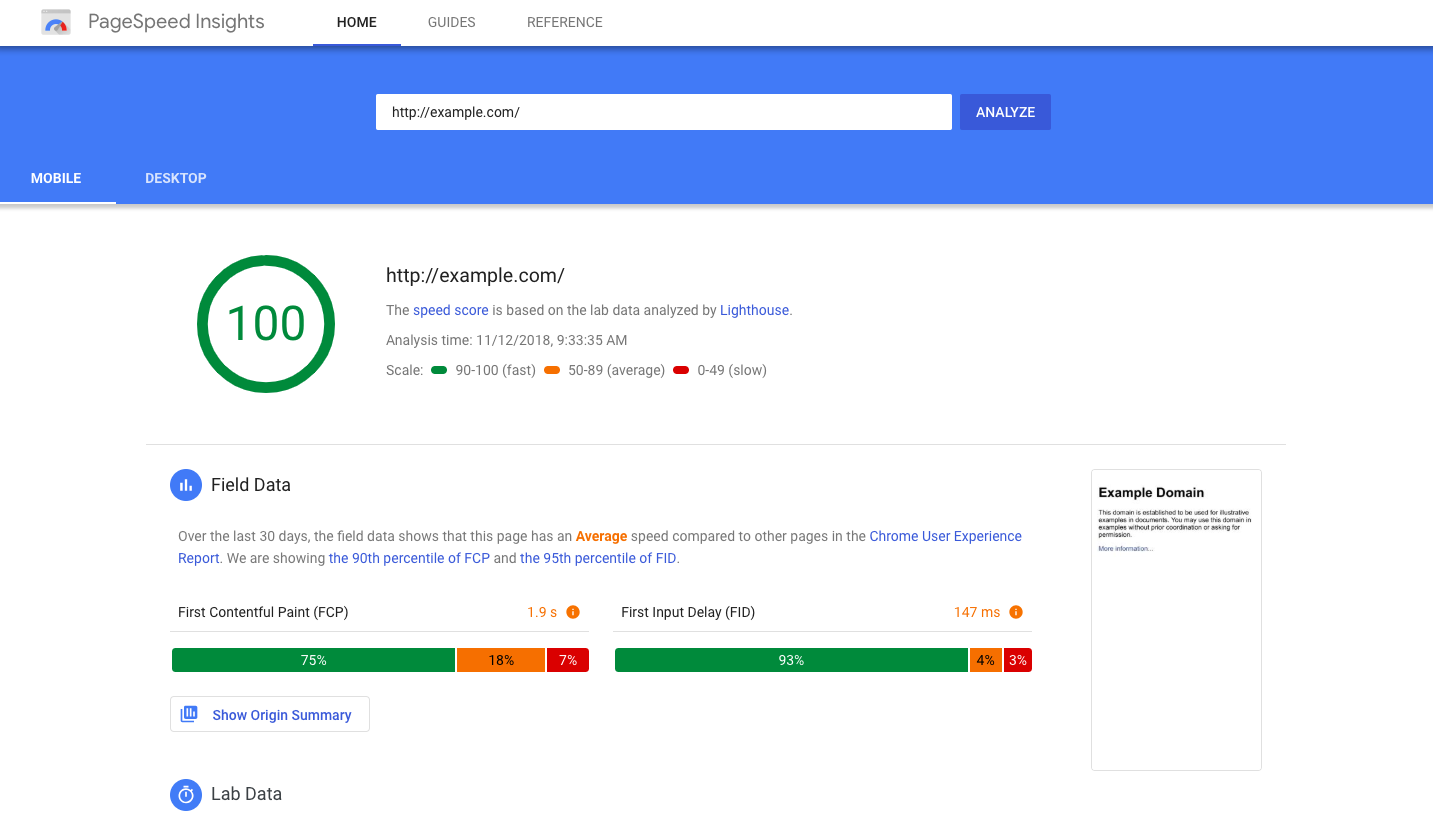


If your store takes more than 3 seconds to load, you’re losing conversions.
Why it matters:
- Higher bounce rate
- Lower Quality Score on ads
- Poor mobile experience
Fix it:
- Compress images
- Remove unused apps
- Use a fast theme
- Optimize scripts
2. Weak Product Pages

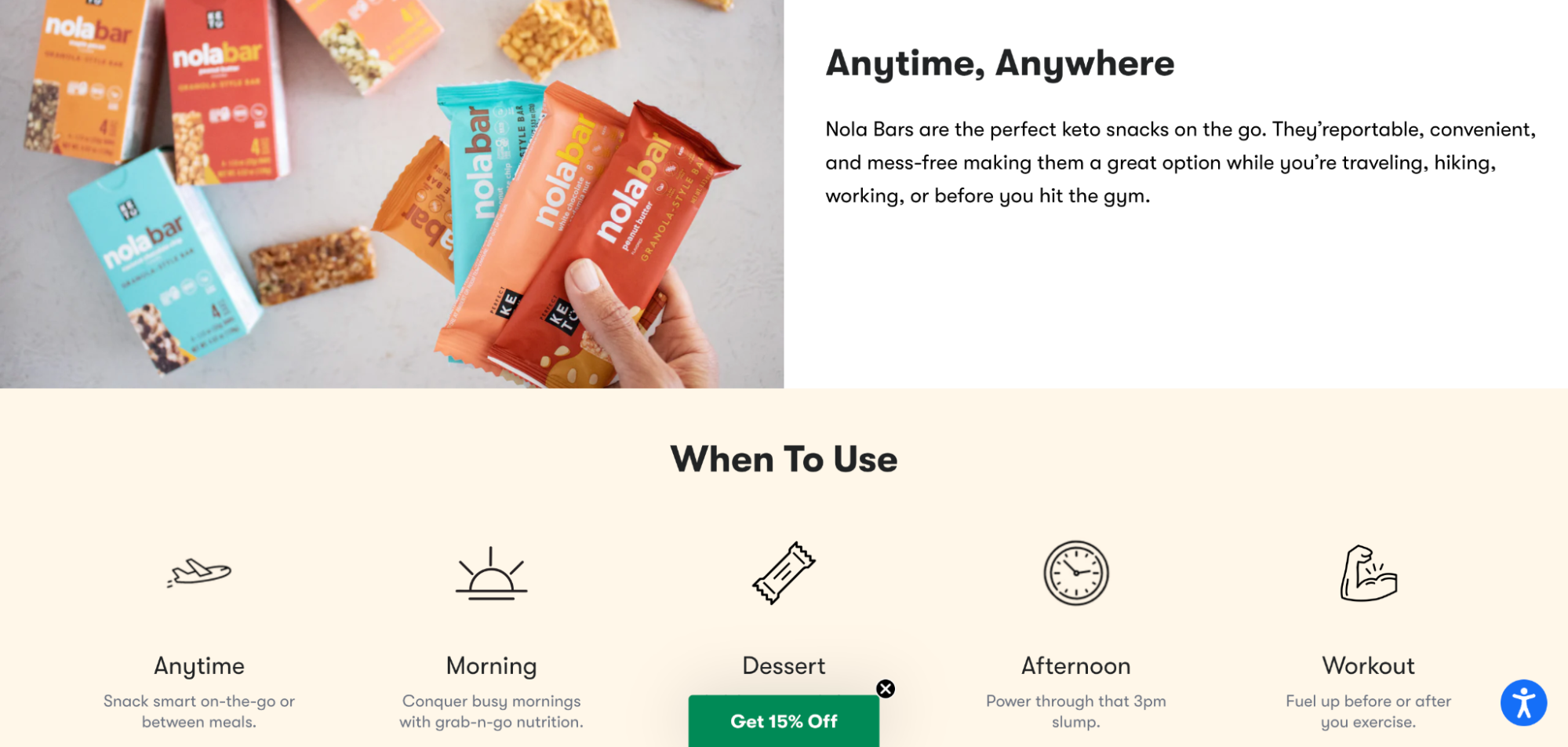
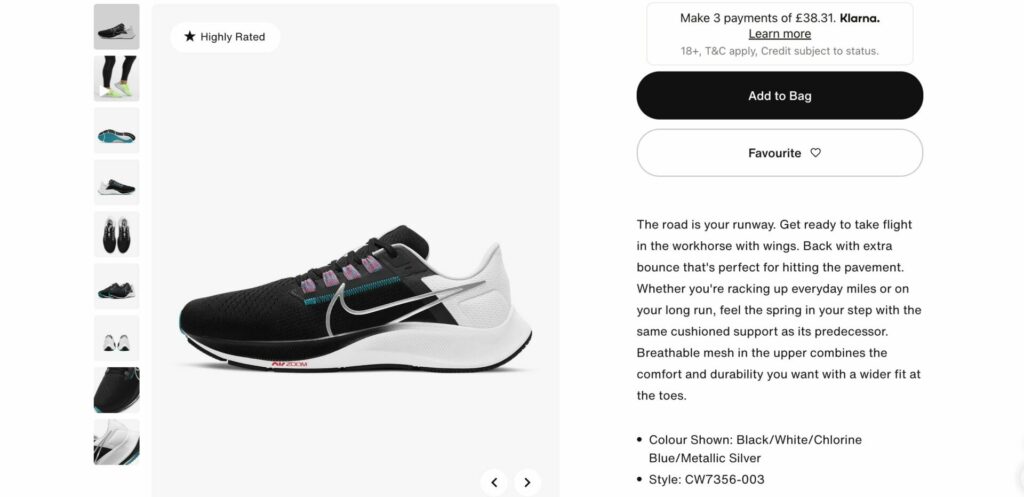

Your product page must sell — not just describe.
Check for:
- Clear benefits (not just features)
- Strong headline
- Social proof (reviews, UGC)
- FAQs
- Clear CTA button
If your product page doesn’t build trust, ads won’t save it.
3. No Clear Unique Selling Proposition (USP)
Why should someone buy from you instead of Amazon?
If your answer is “better quality” — that’s not enough.
Clarify:
- What makes you different?
- Why should customers trust you?
- What specific problem do you solve?
Your USP should be visible above the fold.
4. Poor Mobile Optimization


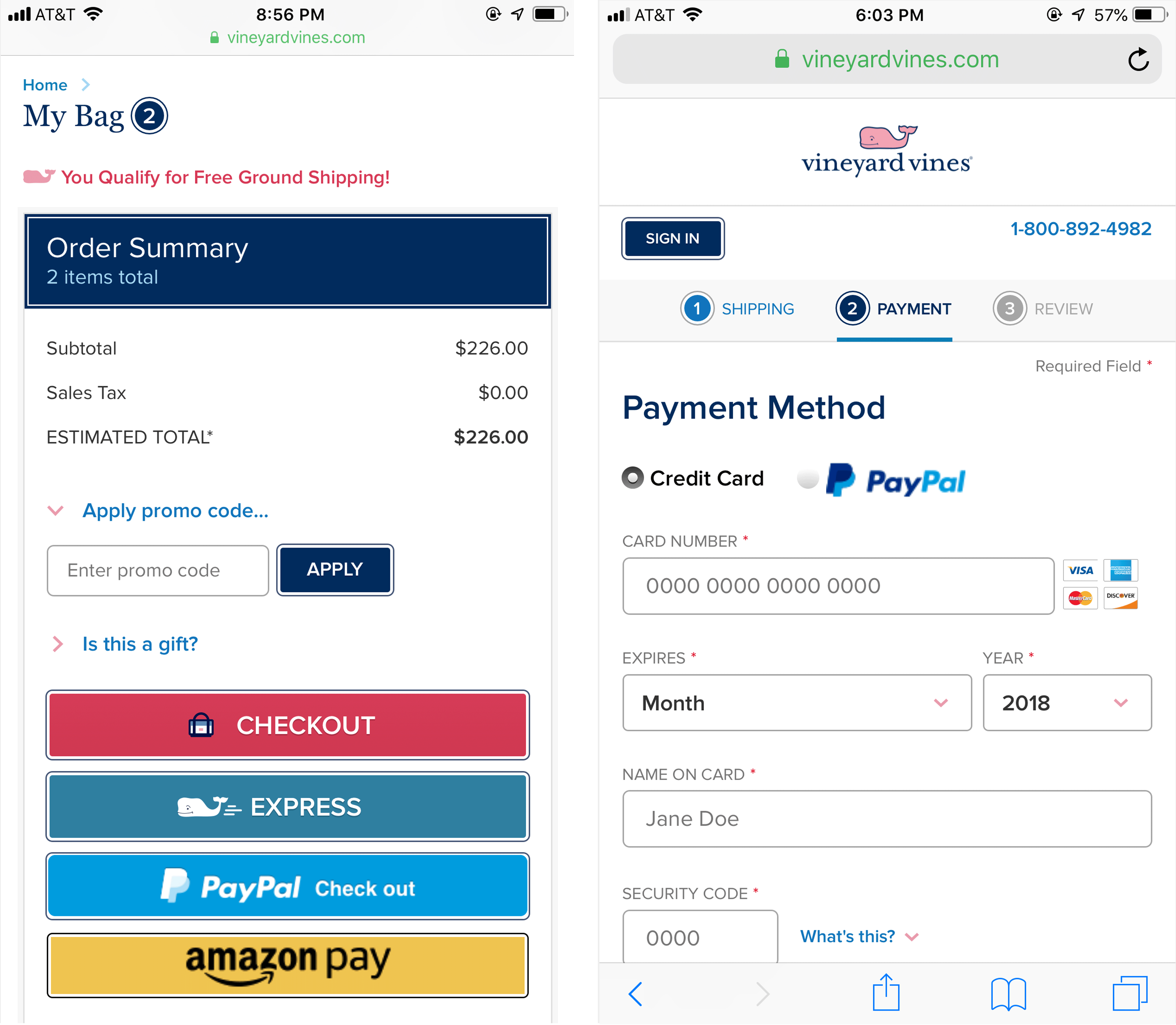
Over 70% of traffic comes from mobile.
Check:
- Button sizes
- Image cropping
- Sticky add-to-cart
- Easy checkout
If your mobile UX is clunky, your ad money disappears fast.
5. Complicated Checkout Process
Every extra step reduces conversions.
Fix:
- Enable Shop Pay / fast checkout
- Remove unnecessary fields
- Show shipping cost early
- Add trust badges
A smooth checkout can increase revenue without increasing ad spend.
6. No Trust Signals
Would you buy from your store if you saw it for the first time?
Add:
- Reviews
- Real customer photos
- Refund policy
- Secure payment icons
- Clear contact info
Trust reduces hesitation.
7. Weak Homepage Structure
Your homepage should answer 3 questions instantly:
- What do you sell?
- Who is it for?
- Why should I care?
Avoid clutter. Guide visitors clearly.
8. Bad Product Pricing Strategy
Are you:
- Randomly pricing?
- Ignoring competitors?
- Not testing bundles?
Before scaling ads:
- Test price points
- Offer bundles
- Add quantity discounts
Sometimes the issue isn’t traffic — it’s pricing psychology.
9. No Backend Revenue Strategy
Scaling ads without backend offers is risky.
Do you have:
- Email flows?
- Abandoned cart recovery?
- Upsells & cross-sells?
- Post-purchase offers?
Ads bring customers. Backend systems multiply profit.
10. No Conversion Tracking or Data Setup
If your:
- Facebook Pixel
- Google Tag
- Conversion API
are not properly installed — you’re flying blind.
Before scaling:
- Verify tracking
- Check event accuracy
- Test attribution
Data drives scaling decisions.
11. Poor Creative Alignment
Your ad creative must match your landing page.
If your ad promises:
“50% Off Today Only”
But the landing page shows:
“Summer Collection”
You lose trust instantly.
Message consistency = higher ROAS.
12. No Clear Scaling Plan
Scaling isn’t just “increase budget.”
Have a strategy:
- Gradual budget increase (20–30%)
- Duplicate winning ad sets
- Test new creatives weekly
- Monitor CPA & MER
Scaling requires systems — not emotion.
Final Thoughts
Running ads to an unoptimized store is like pouring water into a bucket with holes.
Before you scale:
✔ Fix speed
✔ Strengthen product pages
✔ Improve checkout
✔ Install proper tracking
✔ Build backend systems
Then — and only then — increase your budget.
If you’re running an ecommerce store and planning to scale in 2026, start with optimization first. Traffic is expensive. Conversions are everything.